
DTF Transfer by Size
$0.04 per square inch · any size up to 22″ × 22″
Upload one design, set the exact size, and order as many as you need.
Choose a file to get started
Crop and background removal work on PNG, JPG, WebP and GIF files. We check other file types by hand.
Drag the box or its corners to choose what prints.
What you upload is what we print. If there is a serious problem with your file, we will contact you.
Sizewidth × height, in
Popular sizes
Proportions locked · max 22″ × 22″
Quantity
No minimum order · Full-colour, press-ready transfers · Printed in Miami
Add a note for our team (optional)
See your size on a garment
Upload a design to see it on a garment at the size you set.
Garment sizes are typical measurements, for guidance only.
How to press your DTF transfers
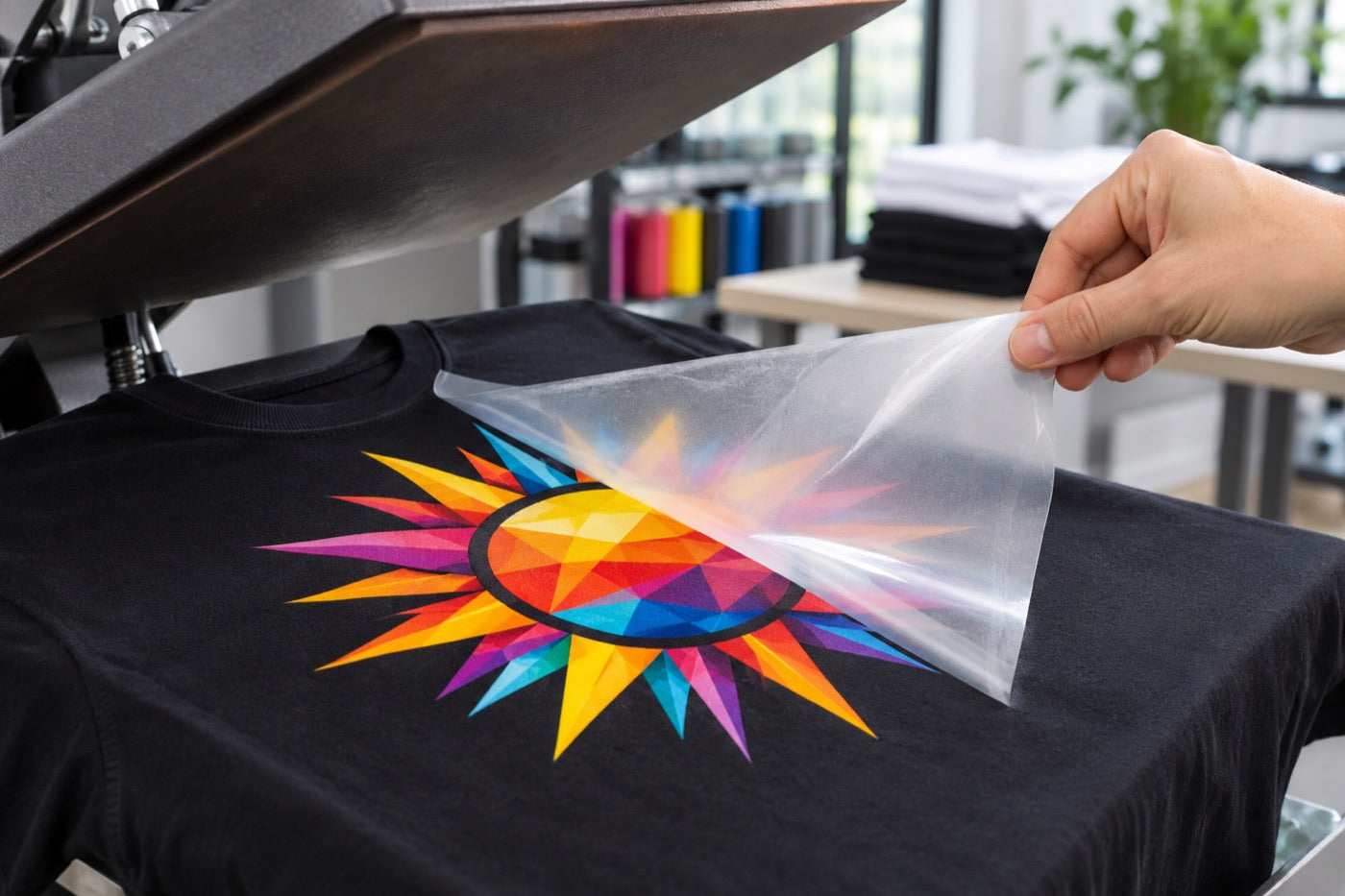
- Set upHeat your press for your fabric. Make sure the garment is clean, dry and free of creases, then place the transfer printed side down.
- PressCover with a sheet and press with firm, even pressure. For the recommended time and temperature for your fabric, contact us.
- Peel & finishPeel the film, then give it a short second press under a cover sheet for extra durability.
- AftercareWait 24 hours before the first wash. Wash inside out, and skip fabric softener.
Product details
A single DTF transfer at the size you choose. Priced by area.
New fabric? Test one transfer first. Questions? Contact us.
See all prices by size
Priced by area: width × height × $0.04 per square inch, per transfer.
What file should I upload?
A transparent PNG at 300 DPI at print size works best. PDF, SVG, AI, EPS and PSD are also accepted. We check resolution as soon as you upload.
Can I order lots of different designs?
Add each design to your cart separately, or put several on one gang sheet.
Talk to a real person
Call, text or send your project.
Not sure what to order? Share your logo and what you need — we’ll recommend styles, print methods and timing.
We usually reply within the hour
